Making images in Midjourney and Nano Banana
Make beautiful images from a sentence in Midjourney, edit real photos by just describing the change in Nano Banana, and even bring a still to life as video. A fast, friendly hour for people who can't draw a stick figure — every picture here was made this way.
All Made From Words
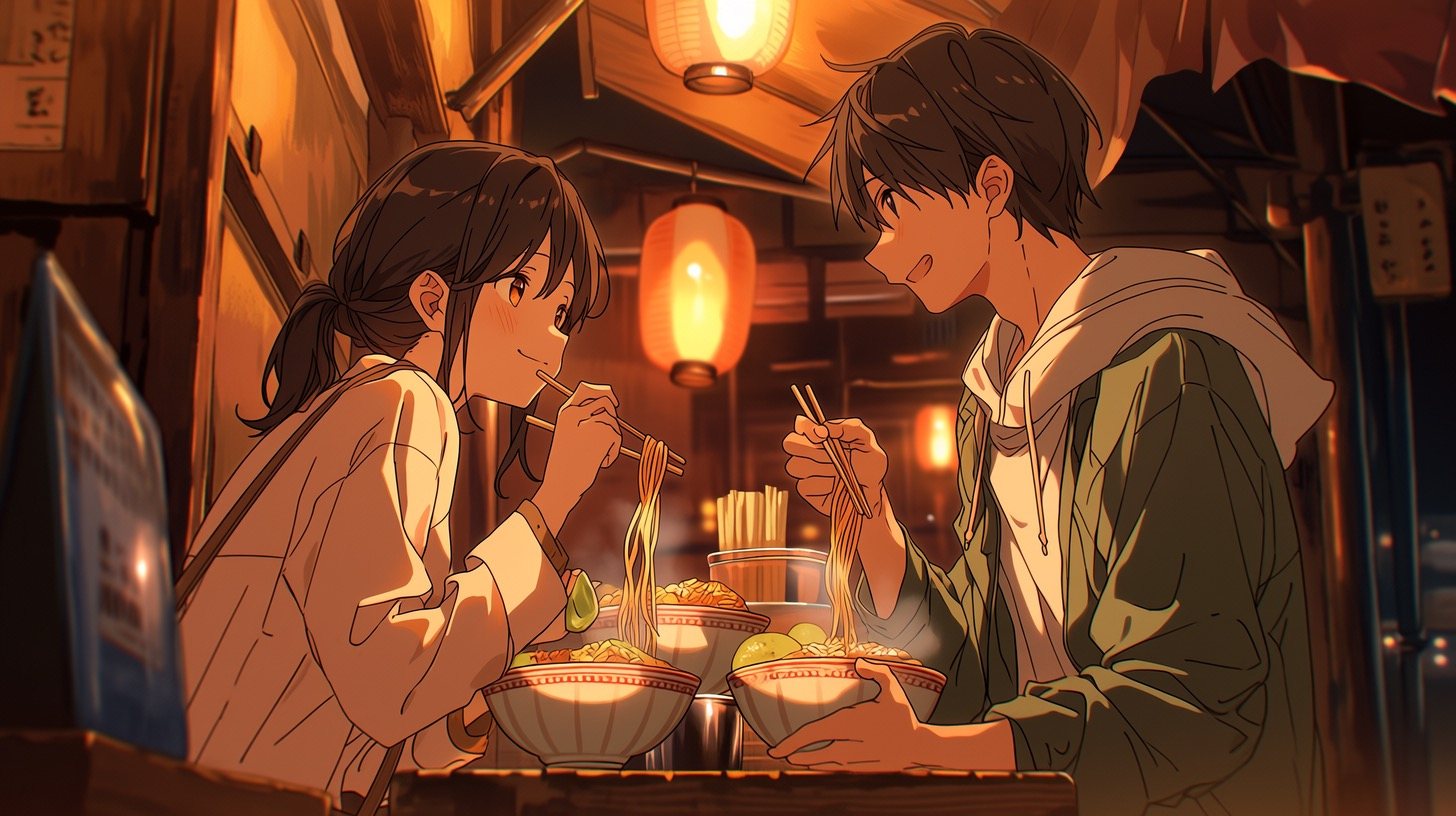
Not a camera or paintbrush in sight — every one of these came from a text prompt in Midjourney. By the end of the hour, you'll be making your own.




What You'll Walk Away With
Six quick wins in sixty minutes — from your first image to a short film clip.
See What's Possible
Understand the AI image & video landscape and the tools that lead it.
Make Your First Image
Use the imagine box, read the four-grid, upscale and vary like a pro.
Prompt Like You Mean It
Subject, style, lighting, composition and the parameters that tune them.
Hold a Look & Character
Style references and character consistency for a set that belongs together.
Edit Real Photos
Use Nano Banana to swap backgrounds, remove objects and restyle photos — just by describing it.
Turn Stills Into Video
Animate a favourite image into a short, tasteful clip.
Develop Taste
Curate, avoid "AI slop", and know where to go deeper.
Go Deep with The Midjourney Book
This hour is the on-ramp. For the full treatment, The Midjourney Book is a visual field guide from your first prompt to studio-grade control — eight chapters, every figure a controlled experiment, every prompt copy-pasteable.
8 chapters · 145+ worked examples · read online, free
The Hour, Lesson by Lesson
Six short lessons, from your first image to a finished video clip.
01Why AI Images & Video
5 min · the landscape and the tools
Why AI Images & Video
5 min · the landscape and the tools
02Your First Midjourney Image
12 min · imagine box, grid, upscale & vary
Your First Midjourney Image
12 min · imagine box, grid, upscale & vary
03Prompting for Images
12 min · subject, style, lighting, parameters
Prompting for Images
12 min · subject, style, lighting, parameters
04Style & Consistency
10 min · references, characters, mediums
Style & Consistency
10 min · references, characters, mediums
05Editing Real Photos: Nano Banana
12 min · edit real photos by describing the change
Editing Real Photos: Nano Banana
12 min · edit real photos by describing the change
06From Image to Video
12 min · animate a still into a clip
From Image to Video
12 min · animate a still into a clip
07Put It Together & Where Next
9 min · a mini project, taste, the Book
Put It Together & Where Next
9 min · a mini project, taste, the Book
Who This Hour Is For
Total Beginners
Never made an AI image? Perfect — we start from your very first prompt.
Creators & Marketers
Make on-brand visuals and video without a studio or a budget.
Small Businesses
Product shots, social posts and ads — made in minutes.
The Curious
Just want to play and make something beautiful? You're very welcome.
Your Instructor
Rupert Chesman
Filmmaker turned AI educator, and author of The Midjourney Book. Rupert has taught over 700 students this year, and brings a working filmmaker's eye to making AI visuals that actually look good.
Frequently Asked Questions
Do I need any design or art skills?
None at all. If you can describe what you want in plain English, you can make beautiful images. The skill we build is seeing and describing, not drawing.
Is there more to read afterwards?
Yes — The Midjourney Book is a full, free visual field guide: eight chapters, 145+ worked examples, every prompt copy-pasteable. The perfect deep dive after the hour.
Make Something Beautiful
Work through the lessons at your own pace, any time — free and self-paced.